Awder vs Google Translate for Ordering at a Restaurant
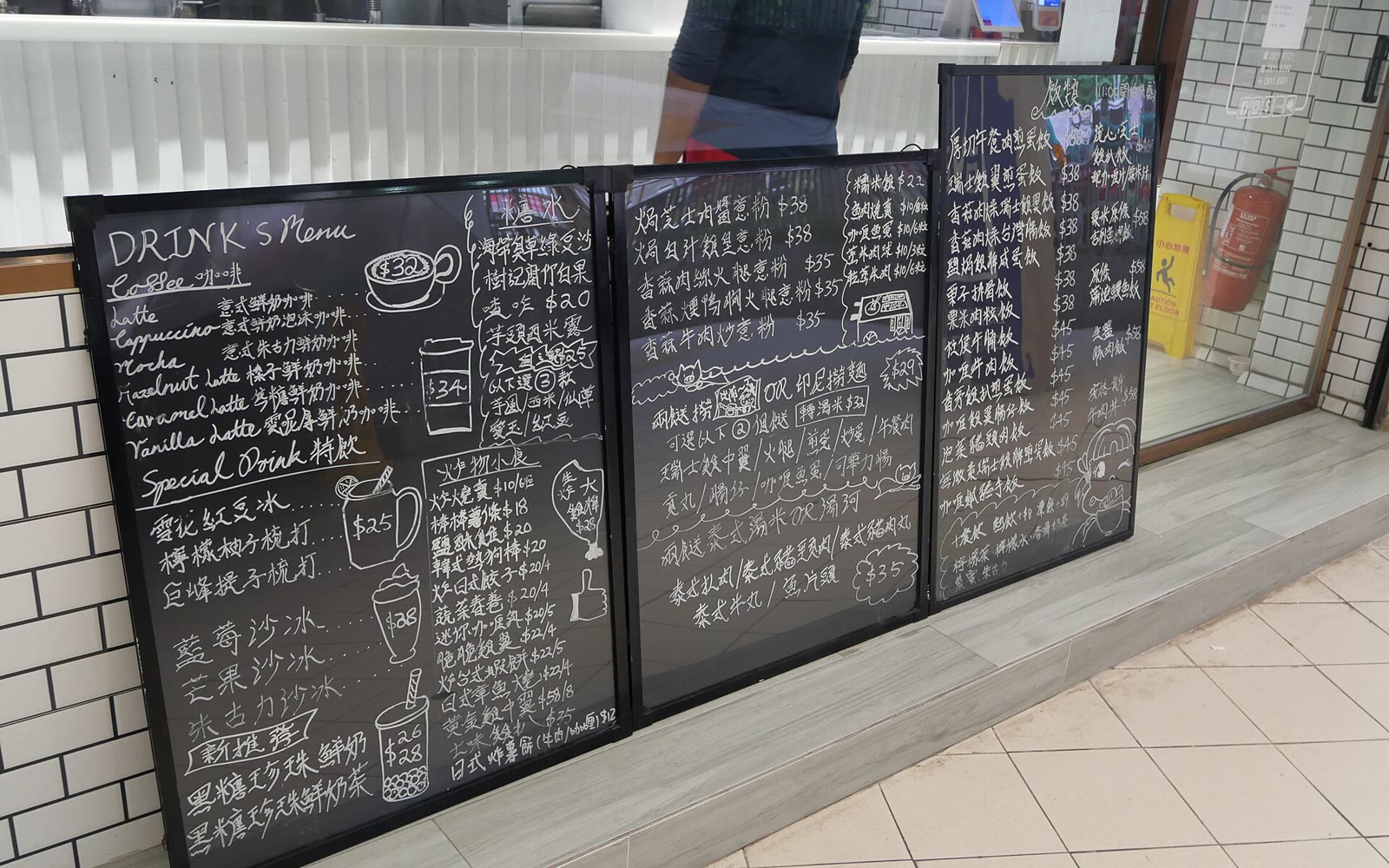
You point Google Translate at a menu and the words turn into English. Now you know what the dish is. But the waiter still needs to know what you want.
In short: translation is for choosing, in your language. Awder is for ordering, in theirs. Most people will want both.
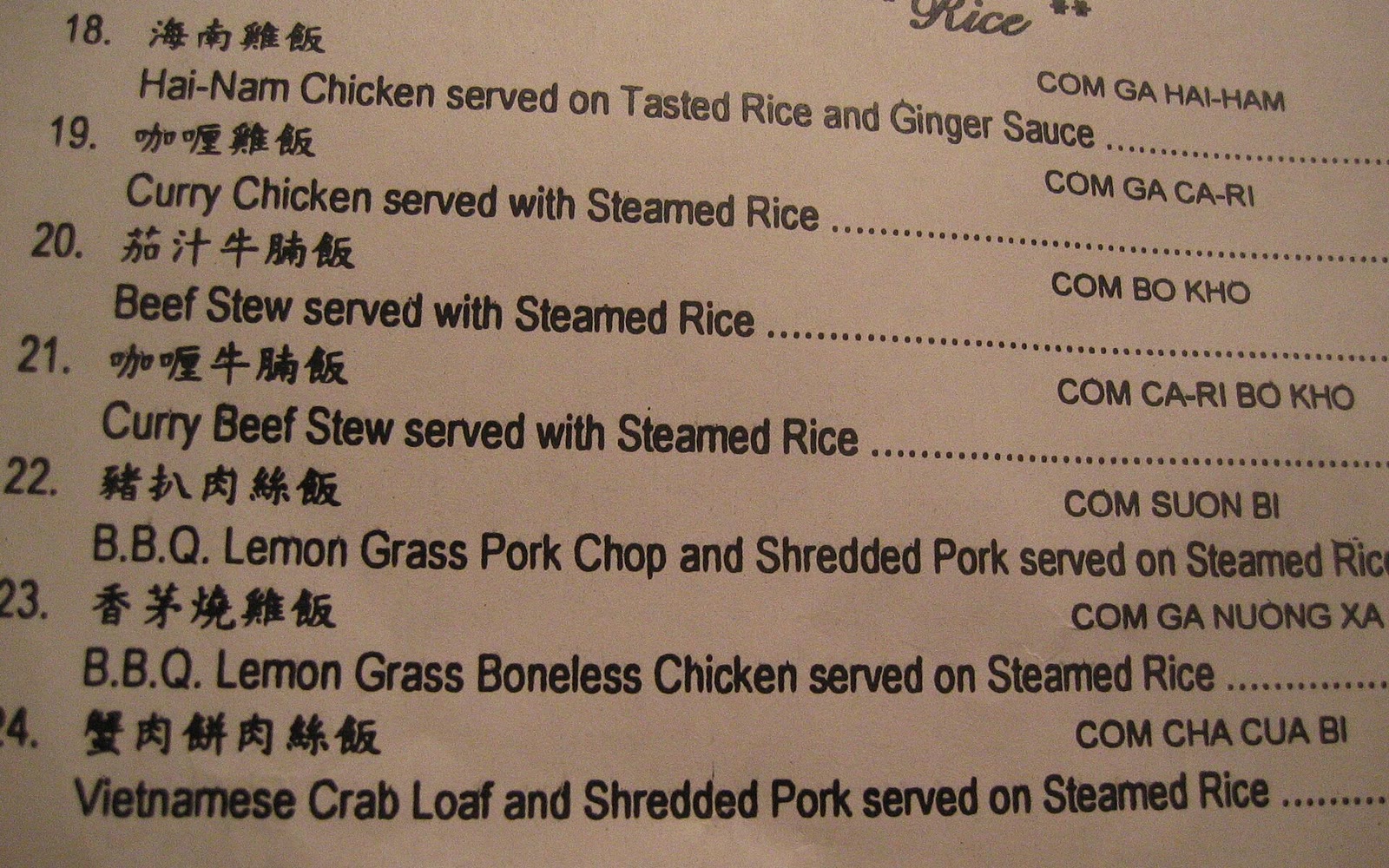

Side by side
| Google Translate | Awder | |
|---|---|---|
| Shows the menu in | Your language | The menu's own |
| Explains a dish | Yes | No |
| Keeps a list | No | Yes, numbered |
| Counts and photos | No | Yes |
| A screen for the waiter | Not really | Yes |
| Conversation | Yes | No |
| Languages | Over a hundred | Reads nine |
| Offline | With downloaded languages | Yes |
Translation falls short when you order
- The words on screen are yours. The waiter needs theirs.
- Dish names don't translate. Bánh xèo becomes "sizzling cake".
- Nothing is kept: no list, no counts.
Awder falls short too
- It doesn't tell you what a dish is.
- It reads nine languages, not a hundred.
- Fast handwriting may not get bubbles.
- iPhone and iPad only.
Use both
- Read the menu in Google Translate and choose.
- Point Awder at the same menu and tap those dishes. Set the counts.
- Show the waiter the order.
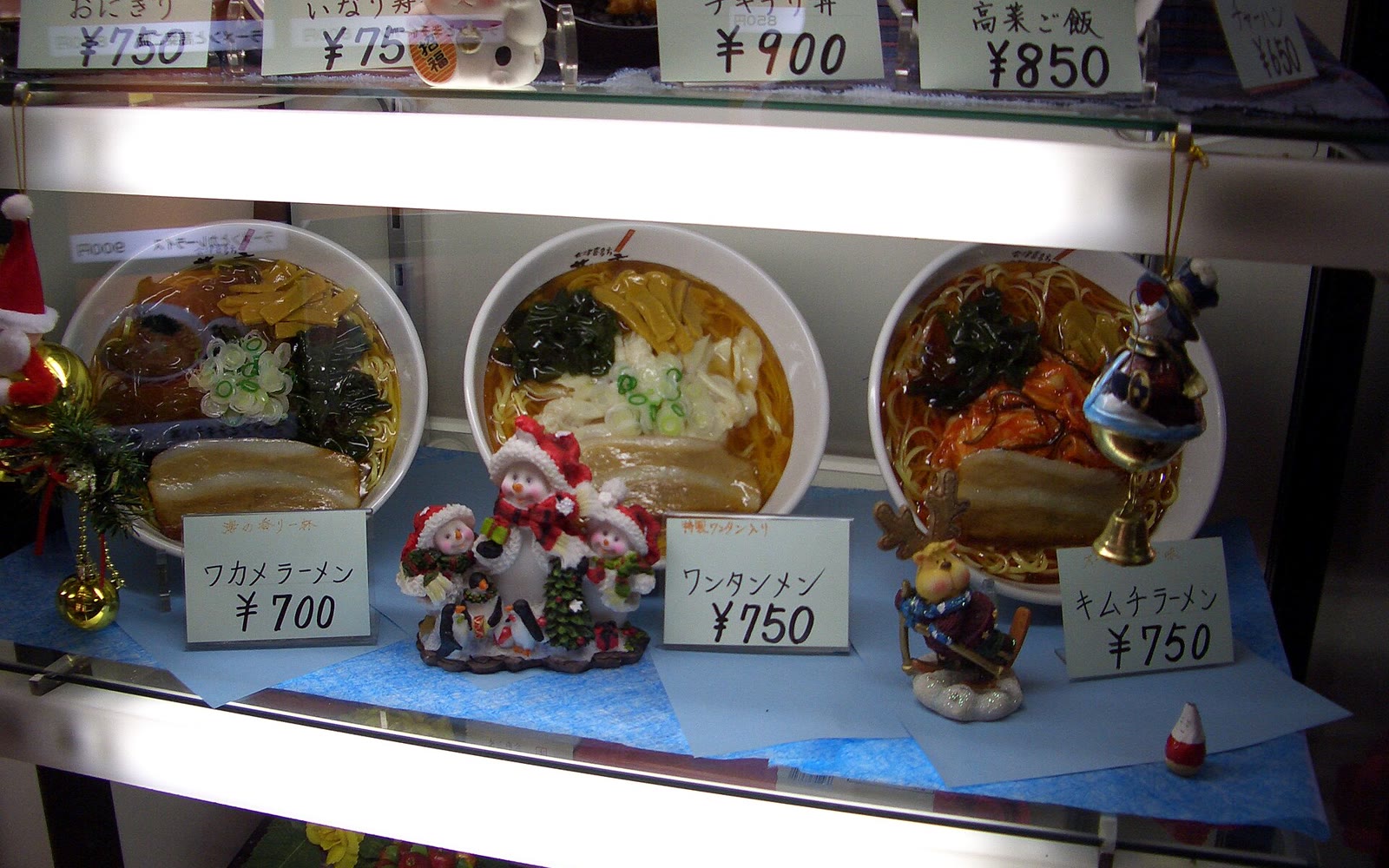

Questions people ask
Does Awder translate menus?
No. It reads dish names and adds them to your order, keeping each name as printed.
Can I use both?
Yes. Translate to choose, then use Awder to order.
Keep reading
Guides
How to Order at a Restaurant When You Don't Speak the Language
Pointing, phrase cards, translation apps and a written list. What works in a loud dining room, and what quietly goes wrong.
Comparisons
Taking Photos of the Menu vs Building an Order
Menu photos keep every dish except the ones you chose. Why a numbered order beats a camera roll at the table.

Comparisons
Awder vs a Notes App for Group Orders
Notes is already on your phone. For a long order with counts and accents, here's where typing slows you down.

Comparisons
The Best Apps for Reading a Menu Abroad
Translation apps tell you what a dish is. Ordering apps tell the waiter what you want. What each one does well, and why you might want both.