The Best Apps for Reading a Menu Abroad

You're holding a menu you can't read, the waiter is standing there, and your phone is the only help. There are two different problems here: knowing what a dish is, and telling the waiter what you want. Different apps solve each one.
- To understand the menu: Google Translate, Apple Translate or Papago.
- To order from it: Awder.
- Download languages before the trip, for offline use.
- Many travellers use a translator and an ordering app together.
The apps, side by side
| App | What it does | Best for |
|---|---|---|
| Google Translate | Translates through the camera, live | Almost any language |
| Apple Translate | Built into iPhone, camera mode | Quick, private, offline |
| Papago | Translates photos and text | Korean, Japanese, Chinese |
| Awder | Reads dish names, builds an order | Ordering for a table |

Where translation stops
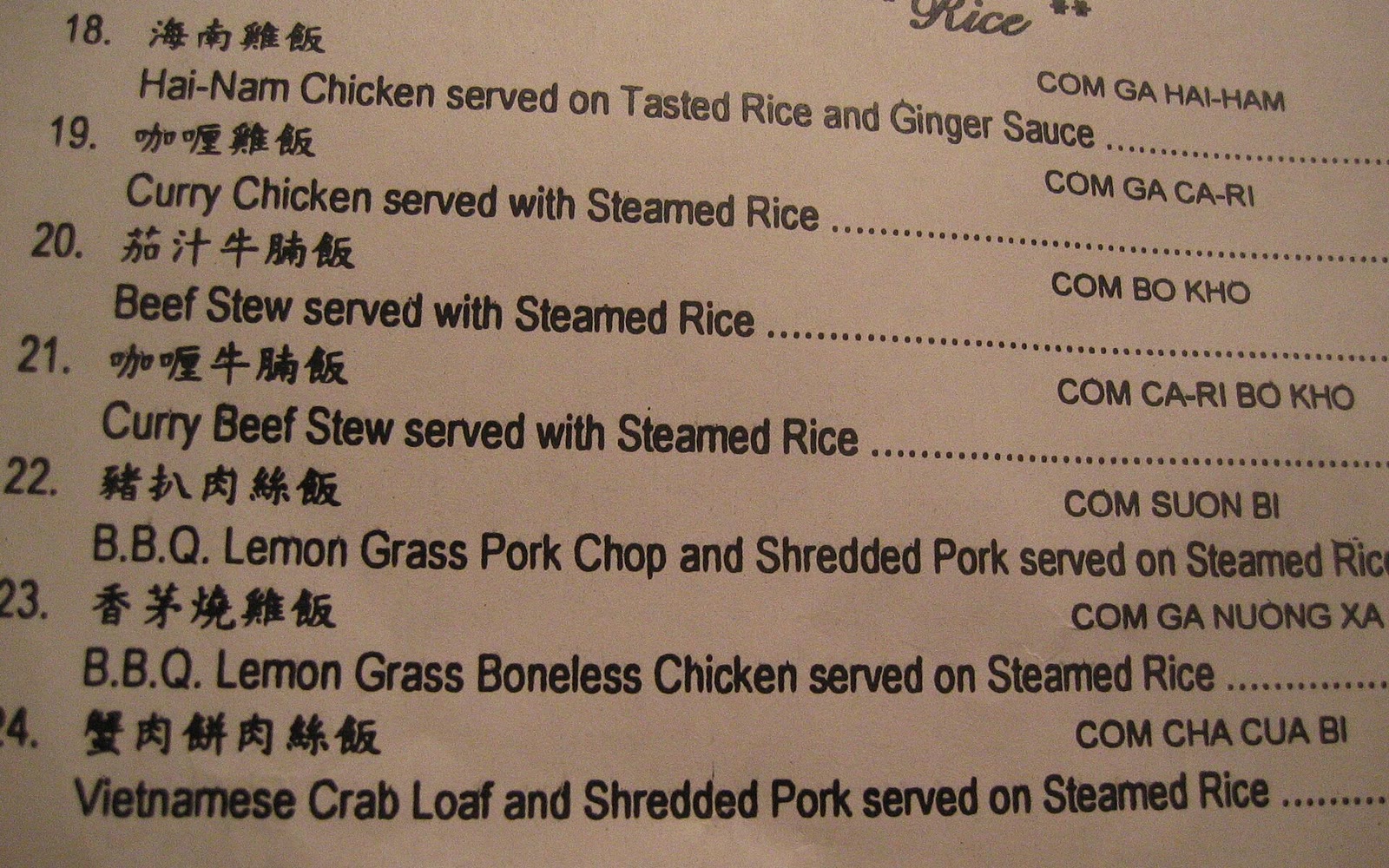
Machine translation of dish names is often strange. Phở bò tái becomes "rare beef noodle soup", which helps. Some names become nonsense. And a translated menu still leaves you reading English words to a waiter who knows the dish by its own name.

Where Awder fits
- Point the camera at the menu.
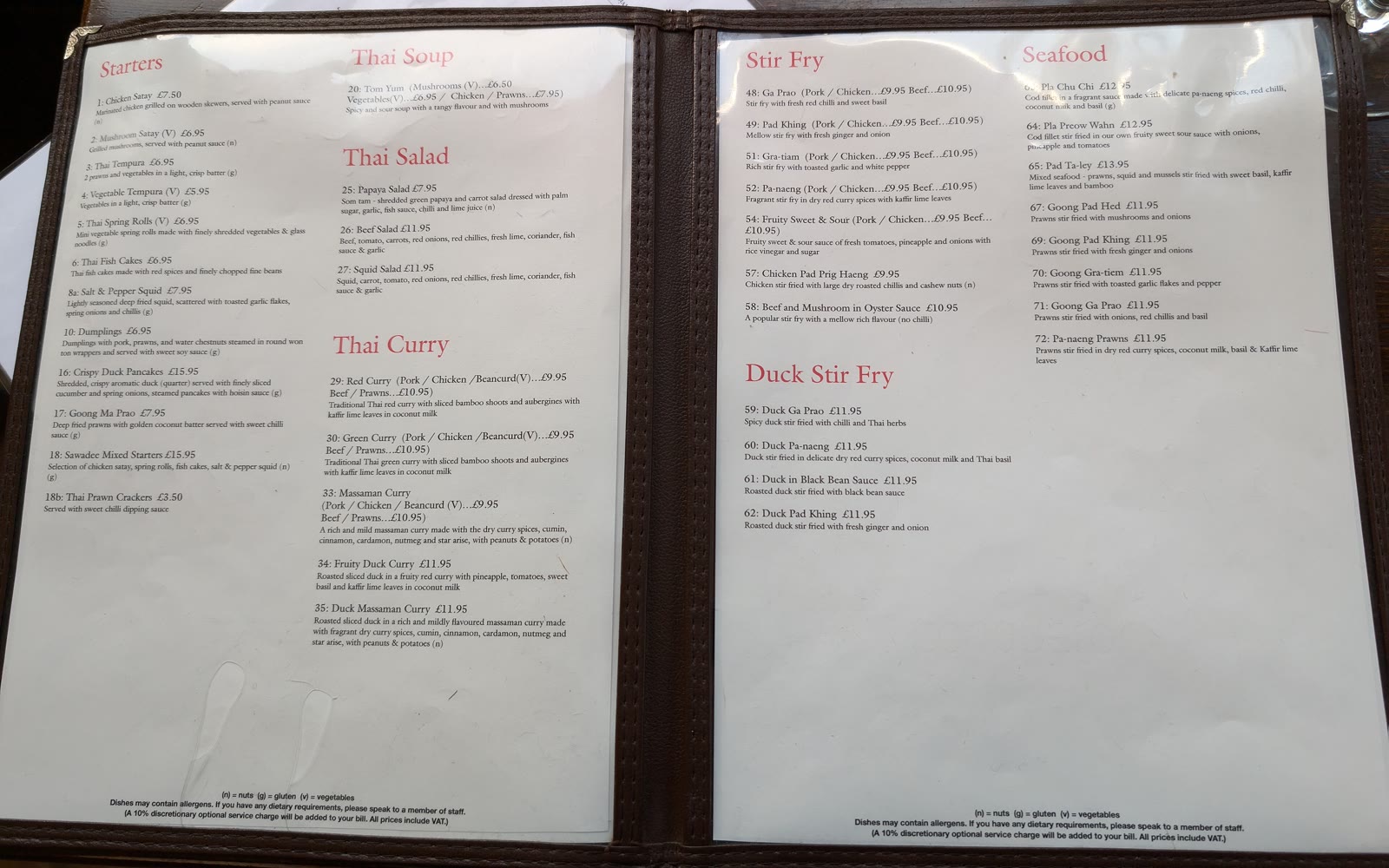
- Tap each dish name in its own language: Vietnamese, Chinese, Japanese, Korean, Thai and more.
- Set how many of each.
- Show the waiter one numbered list in words they read every day.
Awder reads the names on the phone, with no connection needed. It doesn't translate, so it won't tell you what a dish is. There's a closer look at how the two fit together in Awder vs Google Translate.
Tip: for a group, have one person translate and one person order. It's faster than everyone holding up a phone.
Questions people ask
What is the best app to translate a menu?
Google Translate and Apple Translate both translate a menu through the camera. Papago is often better for Korean, Japanese and Chinese.
Can I translate a menu offline?
Yes, in Google Translate and Apple Translate, once you download the languages before the trip.
Does Awder translate menus?
No. Awder reads dish names in nine languages and turns them into an order to show the waiter.
Keep reading
Comparisons
Awder vs Google Translate for Ordering at a Restaurant
Translation tells you what a dish is. An order tells the waiter what you want. When to use each, and why most people need both.
Guides
How to Order at a Restaurant When You Don't Speak the Language
Pointing, phrase cards, translation apps and a written list. What works in a loud dining room, and what quietly goes wrong.
Comparisons
Taking Photos of the Menu vs Building an Order
Menu photos keep every dish except the ones you chose. Why a numbered order beats a camera roll at the table.

Comparisons
Awder vs a Notes App for Group Orders
Notes is already on your phone. For a long order with counts and accents, here's where typing slows you down.